Customising the Card SDK
Monoovas Card Checkout is fully customisable to match your application. As an iframe is used for security reasons, not all host styles are inherited by the card form, such as font-family. The CSS for the card form is contained in #Checkout-container ID. A default style will be used for elements where custom CSS is not passed.
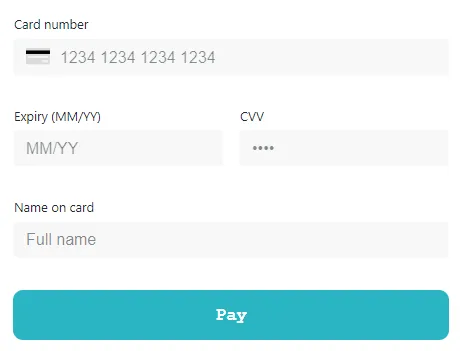
Form fields can be customised by editing the following options
{
  "input": {
    "base": {
      "borderStyle": "none none solid none",
      "borderColor": "#000000",
      "boxShadow": "0px",
      "background": "#ffffff",
      "fontFamily": "courier new",
      "borderRadius": "0px",
      "paddingHorizontal": "0px",
      "lineHeight": "",
      "color": "#000000"
    },
    "error": {
      "borderStyle": "solid",
      "borderColor": "#d0021b"
    }
  }
}
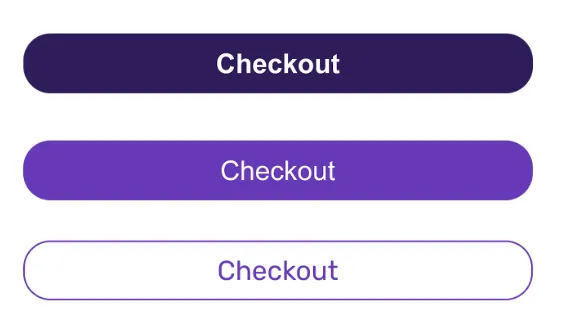
The submit button can be customised separately by editing the following options
{
  "submitButton": {
    "base": {
      "color": "#ffffff",
      "background": "#2ab5c4",
      "borderRadius": "10px",
      "fontFamily": "sans-serif",
      "fontWeight": "bold",
      "boxShadow": "none"
    }
  }
}
For other style options, such as error styles, disabled form styles and loading styles please contact Monoova support.